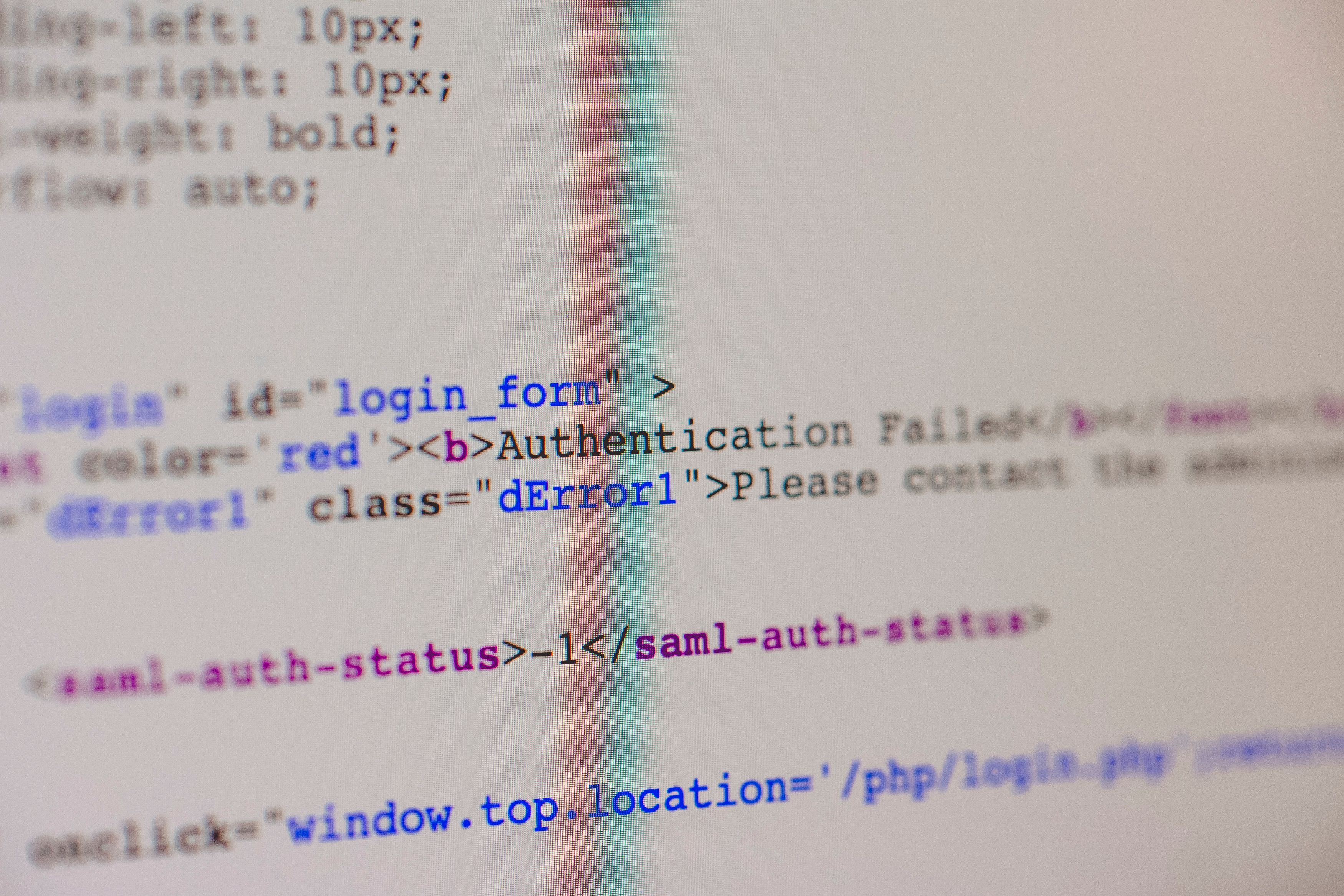
Authentication Testing Checklist for Web Applications
Authentication is one of the most important security controls in a web application. It answers a basic question:
Is this user really who they claim to be?
A weak authentication flow can lead to account takeover, credential stuffing, session abuse, password reset compromise, MFA bypass, and unauthorized access to sensitive data.
This article provides a practical checklist for testing authentication in authorized web application security assessments.
Image: Type: Context, Mô tả: “A diagram showing common authentication flows: registration, login, MFA, password reset, session creation, logout, and account recovery.”. caption: “Authentication testing should cover the full identity lifecycle, not only the login form.”
Scope of Authentication Testing
Authentication testing should cover more than username and password validation.
Review:
- Registration
- Login
- Password policy
- Password reset
- Email change
- MFA
- Session management
- Logout
- Account recovery
- Rate limiting
- Error messages
- OAuth/SSO if applicable
- Logging and alerting
A secure login page does not guarantee a secure authentication system. Many account takeover vulnerabilities appear in recovery and account management flows.
1. Registration Testing
Check whether registration can be abused.
Questions:
- Can users register with duplicate emails?
- Is email verification required?
- Can disposable or malformed emails be used?
- Can users set privileged fields during registration?
- Does the system allow mass registration without rate limiting?
- Are invitation-only flows enforced server-side?
- Can username/email enumeration happen during registration?
Potential issues:
- Account enumeration
- Mass account creation
- Role manipulation
- Weak email verification
- Invitation bypass
Test carefully using authorized test accounts only.
2. Login Testing
The login flow should resist brute force, credential stuffing, enumeration, and session abuse.
Checklist:
- Is rate limiting enforced per account and per IP?
- Are failed login attempts monitored?
- Are error messages generic?
- Does the login response reveal whether an email exists?
- Are weak passwords accepted?
- Does the application support MFA for sensitive accounts?
- Are login attempts logged?
- Is there protection against automated login attempts?
Weak error message example:
This email does not exist.
Better generic message:
Invalid email or password.
Generic messages reduce account enumeration risk.
Image: Type: Test case, Mô tả: “A safe lab screenshot showing two login attempts with different invalid credentials and identical generic error messages.”. caption: “Authentication error messages should avoid revealing whether an account exists.”
3. Password Policy Testing
A password policy should balance security and usability.
Checklist:
- Are very weak passwords rejected?
- Is a minimum length enforced?
- Are common breached passwords blocked?
- Is password reuse restricted where appropriate?
- Are passwords stored using a strong password hashing algorithm?
- Are password fields protected from accidental logging?
Avoid relying only on complexity rules. A long passphrase is often stronger and more usable than a short complex password.
4. Password Reset Testing
Password reset is one of the most critical flows because it can directly lead to account takeover.
Checklist:
- Are reset tokens random and unpredictable?
- Do reset tokens expire quickly?
- Are reset tokens single-use?
- Are old tokens invalidated after a new token is issued?
- Is the token bound to the correct account?
- Does changing the password invalidate active sessions?
- Can the reset link be poisoned through the
Hostheader? - Does the reset flow leak whether an email exists?
- Is rate limiting applied to reset requests?
Common vulnerabilities:
- Predictable reset token
- Token reuse
- Missing token expiration
- Password reset poisoning
- Account enumeration
- Session not invalidated after reset
Safe test idea:
Use two lab accounts. Request reset tokens for both accounts and verify that a token for Account A cannot reset Account B.
5. Email Change Testing
Email change is sometimes overlooked but can be high impact.
Checklist:
- Is the current password required before email change?
- Is confirmation required on the old email?
- Is confirmation required on the new email?
- Can users change email to an already registered email?
- Are active sessions invalidated after email change?
- Can the email change token be reused?
- Is the flow protected against CSRF?
If email is used for login or password reset, insecure email change can become account takeover.
6. MFA Testing
Multi-Factor Authentication improves security, but weak implementation can still be bypassed.
Checklist:
- Is MFA enforced for sensitive accounts?
- Can users access sensitive pages before completing MFA?
- Is MFA required after password reset?
- Are backup codes protected and single-use?
- Is there rate limiting on OTP attempts?
- Can the MFA step be skipped by directly browsing to authenticated endpoints?
- Are remember-device tokens secure?
- Is MFA disabled without strong verification?
Common issue:
User logs in with password -> MFA page appears -> user directly accesses /dashboard -> access granted
This indicates that MFA is enforced only in the frontend or workflow, not in the backend authorization state.
7. Session Management Testing
After authentication succeeds, the session becomes the main proof of identity.
Checklist:
- Are session tokens random and unpredictable?
- Are cookies set with
HttpOnly,Secure, and appropriateSameSite? - Is the session rotated after login?
- Is the session invalidated after logout?
- Are sessions invalidated after password reset?
- Is there an idle timeout?
- Is there an absolute session lifetime?
- Can multiple sessions be managed by the user?
- Are tokens exposed in URLs?
Cookies should not expose sensitive values such as roles, permissions, or raw user IDs unless properly protected and validated.
8. Logout Testing
Logout should invalidate the server-side session or token state where applicable.
Checklist:
- Does logout invalidate the session server-side?
- Can the old session cookie still be reused?
- Are refresh tokens revoked?
- Is logout available from all devices?
- Does logout clear client-side storage?
A logout button that only clears the browser cookie without invalidating the backend session may not be sufficient.
9. Account Lockout and Rate Limiting
Rate limiting must be designed carefully. Too weak, and brute force becomes possible. Too aggressive, and attackers can lock out legitimate users.
Checklist:
- Is rate limiting applied to login?
- Is rate limiting applied to password reset?
- Is rate limiting applied to OTP/MFA?
- Is rate limiting applied per account and per source?
- Are lockouts temporary and safe?
- Are suspicious attempts logged?
Do not perform aggressive brute force testing unless explicitly authorized in the rules of engagement.
10. OAuth and SSO Testing
If the application uses OAuth or SSO, review:
redirect_urivalidationstateparameter protection- Token leakage in URLs
- Account linking logic
- Email verification from identity provider
- Scope handling
- Logout behavior
- Session binding
OAuth issues often happen when the application trusts identity data without verifying the full flow correctly.
11. Logging and Alerting
Authentication events should be logged and monitored.
Important events:
- Failed login attempts
- Successful login
- Password reset request
- Password changed
- Email changed
- MFA enabled/disabled
- New device login
- Suspicious login pattern
- Account lockout
Logs should support investigation without exposing sensitive secrets.
Quick Checklist
Use this condensed checklist during testing:
- Registration prevents abuse and role manipulation
- Login has generic errors and rate limiting
- Password policy blocks weak passwords
- Password reset tokens are random, expiring, and single-use
- Email change requires strong verification
- MFA cannot be skipped or brute-forced
- Sessions are secure, rotated, and invalidated properly
- Logout invalidates active sessions or tokens
- OAuth/SSO flows validate redirect URI, state, and identity claims
- Sensitive authentication events are logged and monitored
Image: Type: Context, Mô tả: “A checklist-style graphic summarizing registration, login, password reset, MFA, session, logout, and logging.”. caption: “Authentication testing should cover the entire account lifecycle.”
Reporting Authentication Issues
A good report should explain:
- Which flow is affected
- What security control failed
- How the issue can be reproduced safely
- What account takeover or abuse scenario is possible
- What remediation is recommended
Example root cause statement:
The password reset token remains valid after it is used once. An attacker who obtains a previously used token may reuse it to reset the victim's password again. Reset tokens should be single-use and invalidated immediately after successful password reset.
Conclusion
Authentication testing is not limited to the login form. A complete review should cover the full account lifecycle: registration, login, password reset, email change, MFA, session management, logout, recovery, logging, and alerting.
The safest mindset is to ask:
Can an attacker become another user, keep access longer than intended, or bypass identity verification through an edge case?
If the answer is yes, the authentication design needs improvement.
References
- OWASP Web Security Testing Guide - Authentication Testing: https://owasp.org/www-project-web-security-testing-guide/latest/4-Web_Application_Security_Testing/04-Authentication_Testing/README
- OWASP Application Security Verification Standard: https://owasp.org/www-project-application-security-verification-standard/
- OWASP Cheat Sheet Series - Authentication: https://cheatsheetseries.owasp.org/cheatsheets/Authentication_Cheat_Sheet.html
- PortSwigger Web Security Academy - Authentication: https://portswigger.net/web-security/authentication
Need Help?
KevinSec helps teams review authentication flows, password reset logic, MFA enforcement, and session management. If you need an authentication-focused security review, contact KevinSec through the Contact page.